
Horion Client
Bedrock Edition Utility Mod
Stable · v1.21.101
Download
Direct download or view source on GitHub.
Size
148KB
Updated
a year ago
Type
DLL
About
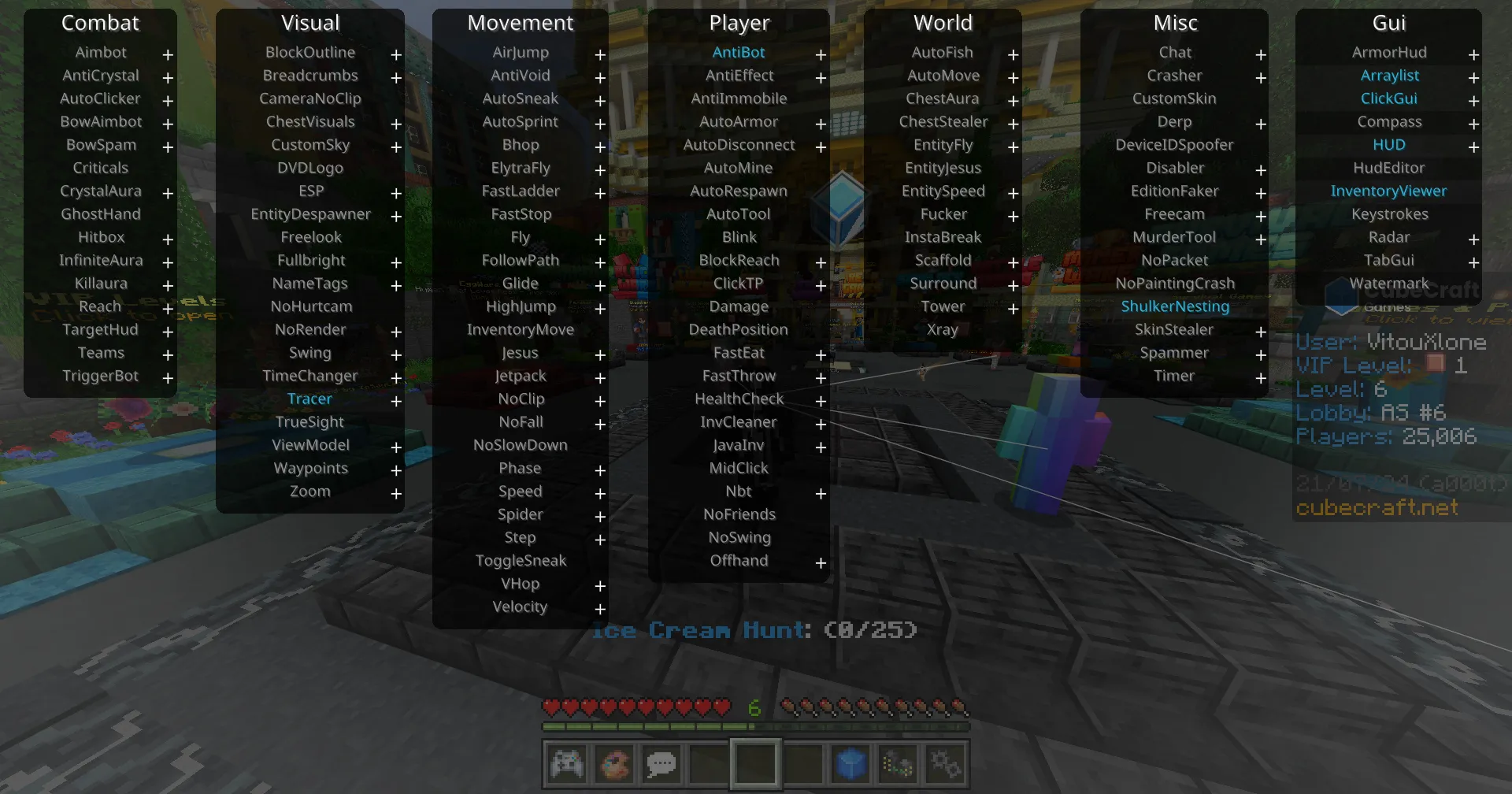
Horion includes an injector that fetches from horion.download/dll automatically. Optimized for speed and stability on Windows with a full feature set including Flight, ESP, Auto-Mine, and much more.
How to Install
1
Download and run the Horion .exe file.
2
Open Minecraft Bedrock Edition.
3
Click the Inject button in Horion.